See how ScaleXP works with Xero or QuickBooks.
In a 15- or 30-minute demo, we’ll show the relevant workflows using example data and discuss how they could apply to your finance process. Complex requirements? Discuss them with us first.
Customer renewal software tracks when each customer contract renews, what it is worth and what has changed, so teams act before it lapses. ScaleXP manages contract renewals in one connected workflow across billing, revenue, and forecasting, using your CRM and your Xero or QuickBooks invoice data.
on the Xero App Store (90+ reviews)









Renewals often sit across spreadsheets, CRM fields, and invoice records. That makes it hard for finance teams to know what is due, what has changed, and what revenue to expect next.

ScaleXP helps teams track contract renewals, flag them early, and connect renewal activity to billing, revenue recognition, and forecasting.
ScaleXP replaces fragmented tracking with a clearer operational process grounded in live contract and invoice data.

| Before ScaleXP | After ScaleXP |
|---|---|
| Renewals are tracked in spreadsheets or CRM notes | Renewals are tracked in one systemised workflow |
| Invoice data is checked manually across customers | Invoice data supports a clearer renewal view |
| Contract changes obscure true renewal values | Contract changes are easier to review together |
| Future revenue is reviewed outside the renewal process | Renewal activity supports finance reporting and forecasting |

Missed or delayed renewals create avoidable leakage. ScaleXP helps finance and commercial teams identify renewal activity earlier, manage contract changes more clearly, and improve visibility into expected recurring revenue.
“We use ScaleXP on a near-daily basis to generate reports for a wide range of internal needs, from tracking contract renewals to monitoring revenue development across multiple legal entities.”
Ish · Client Operations (G2 review)

When renewals and billing are disconnected, invoice timing and contract values can drift. ScaleXP helps teams work from a clearer view of renewal timing, contract changes, and invoice data.
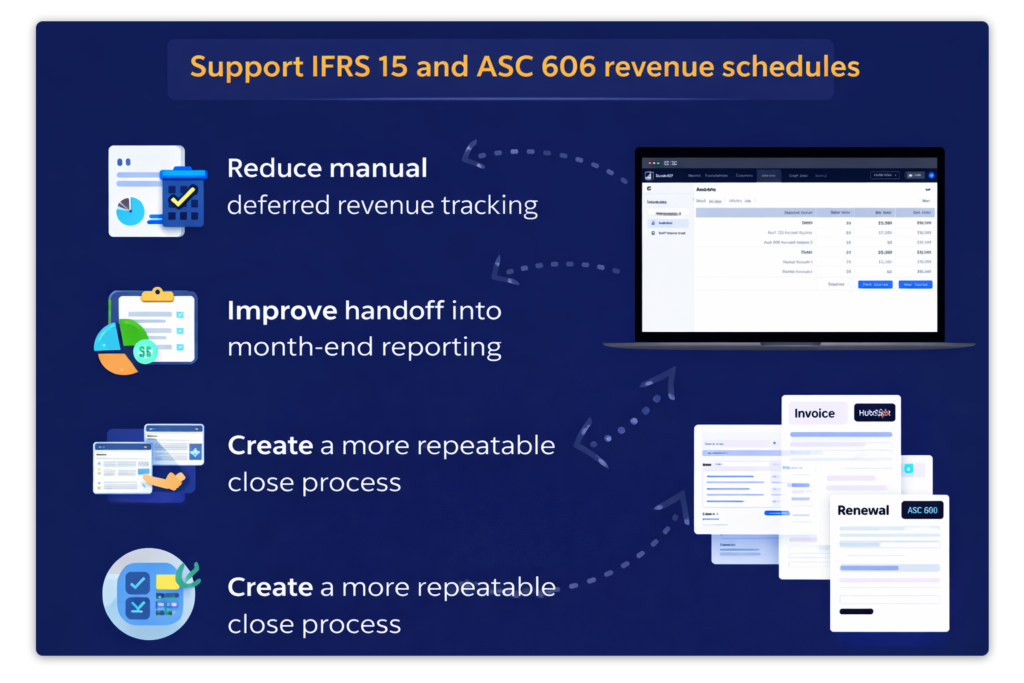
Renewals affect more than customer follow-up. They influence deferred revenue, recognition schedules, and the quality of month-end reporting. ScaleXP supports a more connected workflow across renewals, billing, and finance.
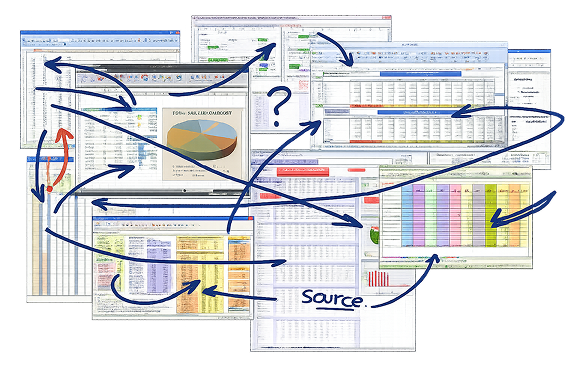
Spreadsheet-led renewal tracking slows teams down and weakens control, especially across entities, countries, and currencies. ScaleXP replaces manual files with a more connected system view.

Renewal management software helps teams track upcoming customer and contract renewals, monitor timing and value, and coordinate the commercial and finance actions required before expiry. For SaaS and subscription businesses, the most useful systems connect renewal data to CRM records, invoicing, recurring-revenue reporting and forecasting rather than treating each renewal as an isolated reminder. ScaleXP brings these sources together so teams can review the expected renewal, related changes and financial impact in one workflow.
ScaleXP brings renewal dates, customer information, contract values and invoice activity into one connected view. Upcoming renewals are flagged in advance, giving finance and commercial teams time to confirm the expected value, contact the customer and prepare the next billing action. Because the renewal remains linked to customer and invoice data, users can understand the full relationship rather than relying on a single CRM date or spreadsheet row.
ScaleXP captures contract changes alongside the renewal so teams can review the revised customer value in context. Upsells, downgrades and amendments feed the renewal picture and recurring-revenue reporting, preventing the original contract value from remaining in forecasts after commercial terms change. The movement can also be reflected in ARR, MRR, expansion and contraction analysis, giving finance and customer teams a consistent view of the post-renewal relationship.
Yes. ScaleXP connects renewal and contract information from CRM systems such as HubSpot, Salesforce and Pipedrive with accounting and invoice data. Commercial teams can continue working in the CRM while finance uses the connected data for renewal review, billing and reporting. Mapping relevant dates, products, values and customer identifiers creates a shared renewal view without requiring either team to maintain a second spreadsheet.
Yes. Renewal dates, expected contract values and customer changes can feed revenue forecasting and recurring-revenue reporting. ScaleXP can reflect renewals, expansion, contraction and churn in measures such as ARR, MRR, NRR and GRR, with customer-level detail underneath. Connecting the renewal pipeline to actual invoices also helps finance distinguish confirmed recurring revenue from amounts still dependent on customer action. See revenue forecasting and how the renewals retention rate is calculated.
Yes. ScaleXP supports multi-entity and multi-currency finance workflows, allowing renewal activity to be reviewed across subsidiaries, countries and reporting currencies. Finance leaders can obtain a group view while retaining local customer, entity and invoice detail. The precise entity structure, currency conversion and billing configuration should be agreed during implementation so renewal reporting remains consistent with local accounting and group forecasting.
Yes. ScaleXP creates a contract from each closed-won deal and its invoices, tracks the renewal against it, and includes contracted revenue not yet invoiced and renewals due in the forecast. When the renewal is invoiced, ScaleXP uses AI to read service start and end dates from the wording on Xero and QuickBooks invoices, so the deferred revenue schedule follows the renewed term. ScaleXP prepares the schedules and journals; they post once finance approves. See deferred revenue automation.
Last reviewed: October 2026
““move away from a recurring revenue master spreadsheet”
Renewal visibility
See how contract, customer and revenue data come together so renewals stop depending on memory.
In a 15- or 30-minute demo, we’ll show the relevant workflows using example data and discuss how they could apply to your finance process. Complex requirements? Discuss them with us first.