See how ScaleXP works with Xero or QuickBooks.
In a 30-minute demo, we’ll show the relevant workflows using example data and discuss how they could apply to your finance process. Complex requirements? Discuss them with us first.
Last reviewed:
Xero’s own Stripe connection takes payments on Xero invoices and feeds Stripe payments and fees into Xero for matching.
ScaleXP imports the Stripe invoices themselves into Xero or ScaleXP, so teams automate revenue recognition, multicurrency and growth, retention and churn reporting without spreadsheets.
on the Xero App Store (75+ reviews)








Rated 5.0 on the Xero App Store (75+ reviews) · 2023 Xero Staff Pick and 2025 Xero Featured App · 30+ SaaS metrics

ScaleXP connects Stripe and Xero for invoices, credit notes, discounts and revenue recognition, so SaaS finance teams can turn billing data into revenue schedules and reporting without spreadsheets. Stripe records billing activity. Xero records accounting entries. Most teams still need spreadsheets to turn that into clean revenue schedules and usable reporting.
On xero.com (checked October 24, 2026), Xero’s Stripe connection covers invoice payments and a payment feed that matches payments and fees.
It does not say it imports invoices or subscriptions created in Stripe, so revenue schedules and SaaS metrics still need another tool.
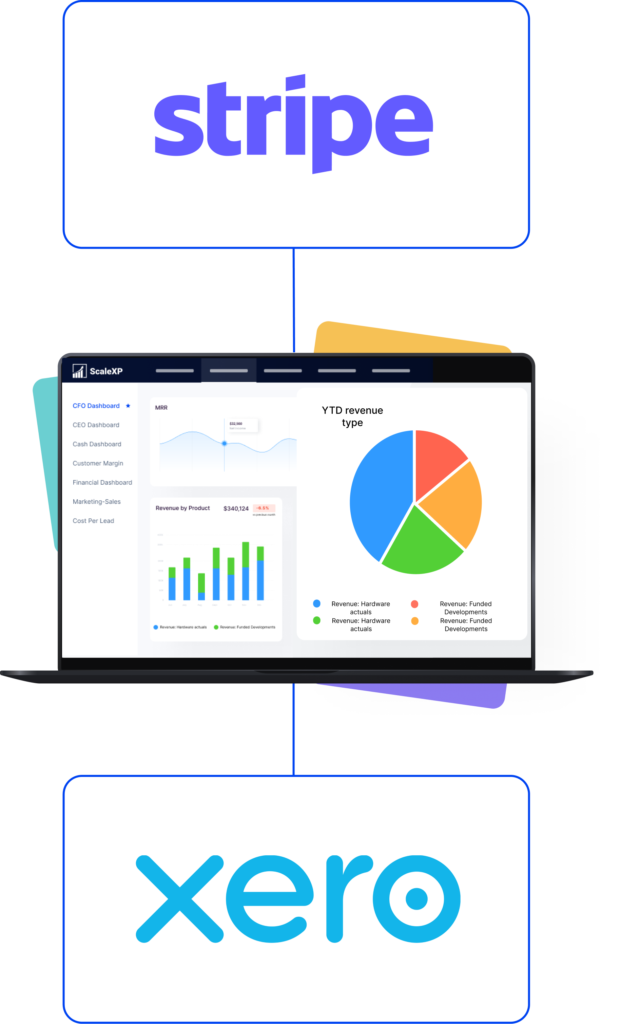
ScaleXP imports Stripe invoices into Xero or into ScaleXP, then applies revenue recognition logic and creates a cleaner reporting layer for finance and leadership teams.
How ScaleXP does this
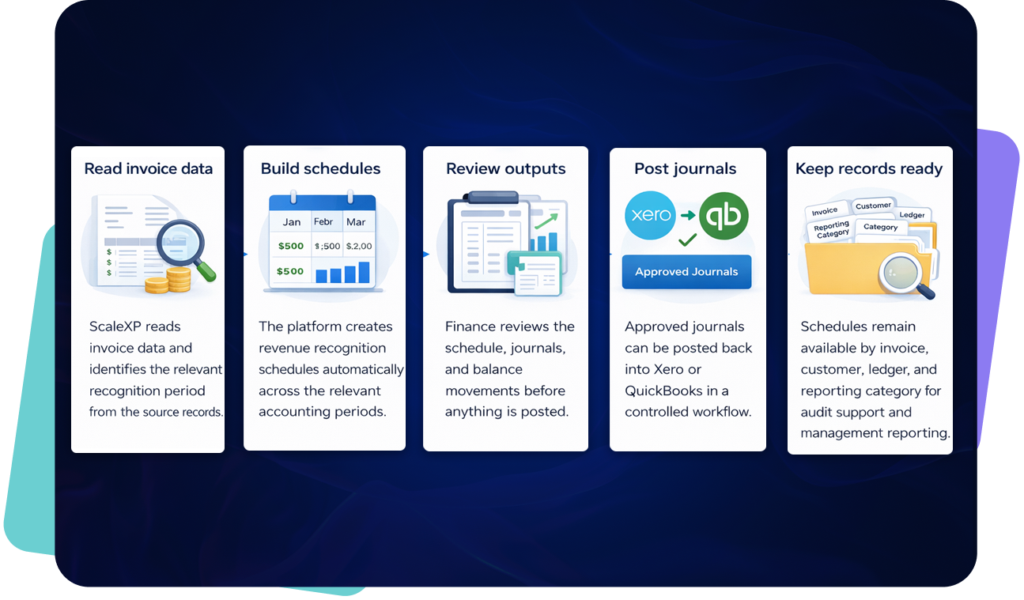
ScaleXP does more than move Stripe invoices into Xero. It helps teams automate compliant revenue recognition, handle multicurrency billing more cleanly, and use richer invoice data for reporting and analysis.
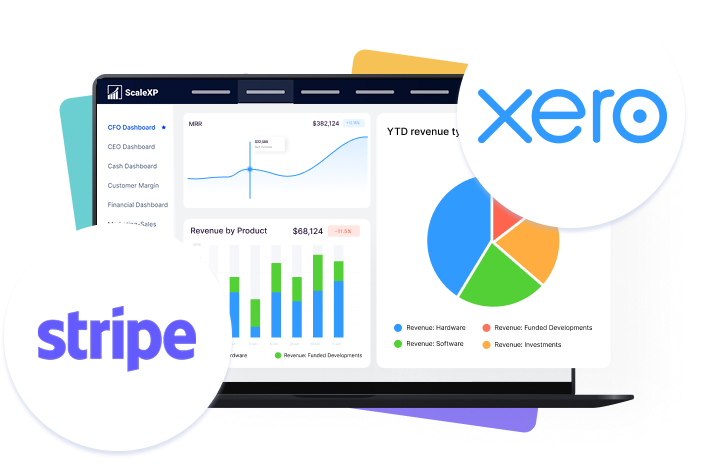
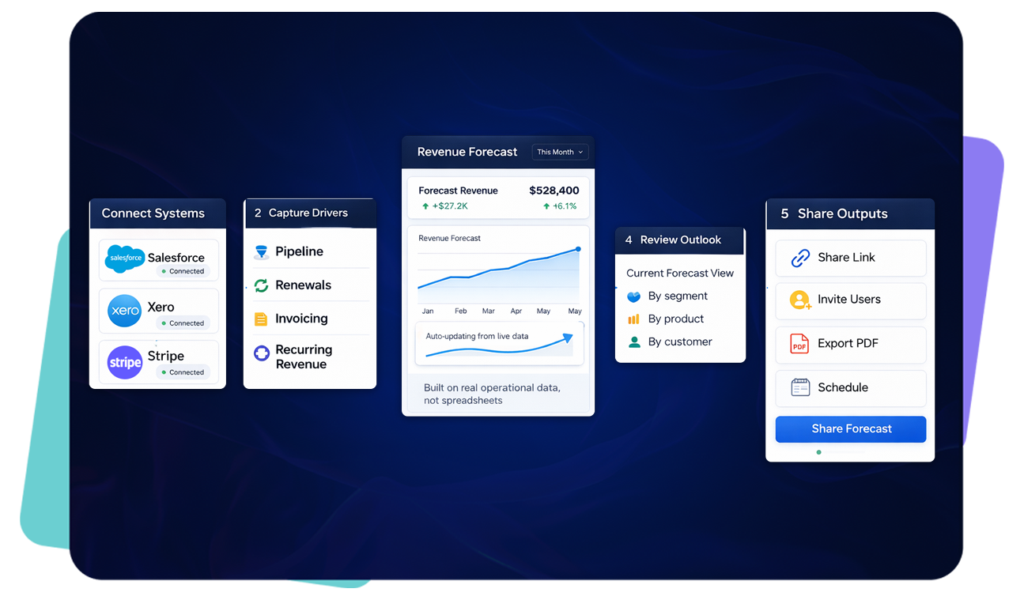
Connected invoice data removes spreadsheet repair work and gives teams a clearer, more reliable reporting layer.
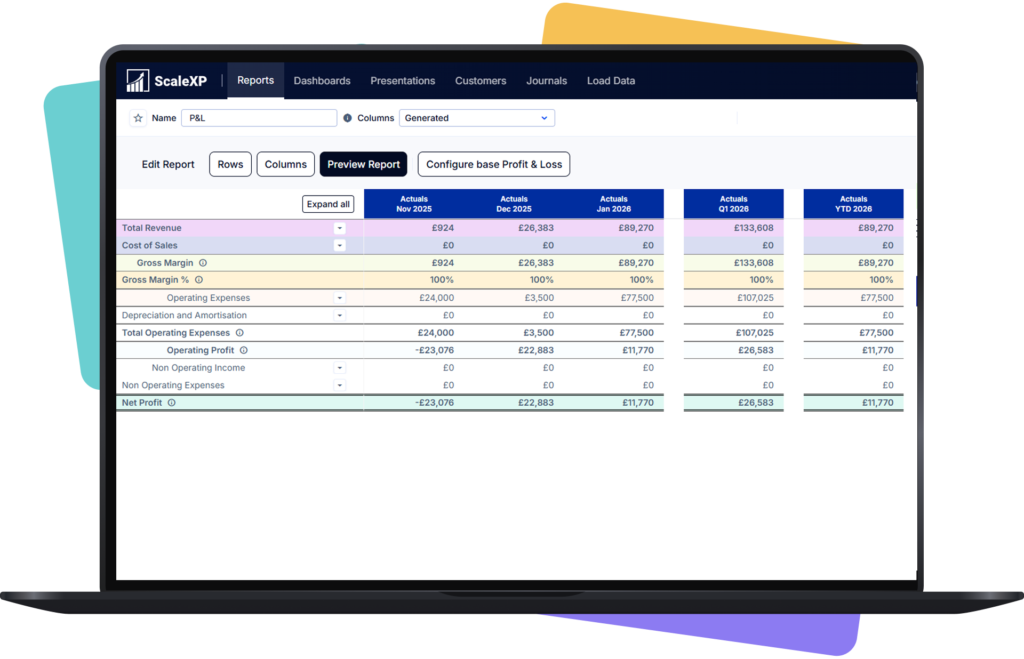
ScaleXP does more than move invoice data. It helps teams understand what is growing, what is churning, and how recurring revenue is changing over time.
That same connected data makes cash flow easier to forecast, because invoicing, collections and recognized revenue all move in step.

Basic Stripe-Xero sync
With ScaleXP
Invoice import
Invoices may sync, but reporting still needs work.
Stripe invoices flow into Xero or ScaleXP automatically.
Revenue recognition
Usually handled manually or outside the sync.
Automated schedules support IFRS 15 and ASC 606 workflows.
Historical data
Limited support for structured backfill.
Bring years of Stripe history into Xero with product mapping.
Multicurrency
Teams often adjust exchange rates manually.
Multicurrency transactions are handled without manual FX adjustments.
Invoice detail
Metadata is often lost or not fully usable.
Stripe metadata can flow into Xero invoices for richer reporting.
Growth reporting
Separate spreadsheets are often needed.
Growth, retention, and churn are tracked from connected billing data.
ScaleXP carries the detail finance needs beyond a basic data sync—preserving the transaction context required for reconciliation, revenue schedules, journals and reporting.
| Capability | Data handled | Direction | Frequency | Finance outcome | Important limitation |
|---|---|---|---|---|---|
| Invoices | Issued and paid Stripe invoices, with line items, product codes, dates and metadata, imported into Xero or directly into ScaleXP. Existing invoices are updated when they change in Stripe. | Stripe → Xero / ScaleXP | When the invoice is finalized in Stripe | Invoices reach Xero without re-keying and keep the product and service-period detail needed for revenue schedules and reporting. | Product and account mapping is agreed during setup. |
| Payments | Not synced: payment status stays in Stripe | Stripe → ScaleXP | With the invoice sync | Cash is reconciled through your Xero bank feed (Xero's own Stripe feed) | This does not include Stripe payout or bank-feed reconciliation. |
| Refunds and credit notes | Credit-noted and voided Stripe invoices | Stripe → ScaleXP | Scheduled sync | Keeps revenue and reporting data aligned with invoice changes | Credit-noted invoices are reflected in ScaleXP; voided invoices are removed. |
| Discounts and tax codes | Discount codes and tax codes on Stripe invoices are transferred with the invoice. | Stripe → Xero / ScaleXP | When the invoice is finalized in Stripe | Net invoice values and tax treatment arrive in Xero as billed, without manual adjustment. | Coupon and promotion structures are mapped during setup. |
| Multi-currency | Invoices in any Stripe currency, converted using rate sets that align with IFRS and GAAP, with separate rates for P&L, balance sheet, budgets and consolidation. | Stripe → Xero / ScaleXP | When the invoice is finalized in Stripe | Multi-currency billing is reported consistently across entities, countries and currencies without exchange-rate spreadsheets. | Rate sources and reporting currencies are set during configuration. |
| Historical import | Stripe invoice and product history back to 1 January 2018, with product mapping. | Stripe → Xero / ScaleXP | One-off on connection | Prior periods support comparative reporting, revenue schedules and SaaS metrics without rebuilding history by hand. | The history window and mapping are agreed before the initial import. |
Last verified October 24, 2026. Confirm configuration-specific requirements during setup.
Stripe invoices reach Xero when they are finalized in Stripe. ScaleXP then builds ASC 606, IFRS 15 and FRS 102 revenue schedules from each invoice's line items and service periods, and posts the revenue journals to Xero as draft journals for you to approve.
| ScaleXP | Stripe Revenue Recognition | |
|---|---|---|
| Works from | Invoices in Xero, including those synced from Stripe | Stripe Billing, Invoicing and Payments data, plus CSV imports |
| Output | Revenue schedules and revenue journals in Xero | Revenue recognition reports you export to your accounting system and general ledger |
| Pricing | Published on the pricing page | Monthly or annual subscription plus a percentage of volume; 30-day free trial |
Stripe details from stripe.com, checked October 24, 2026.
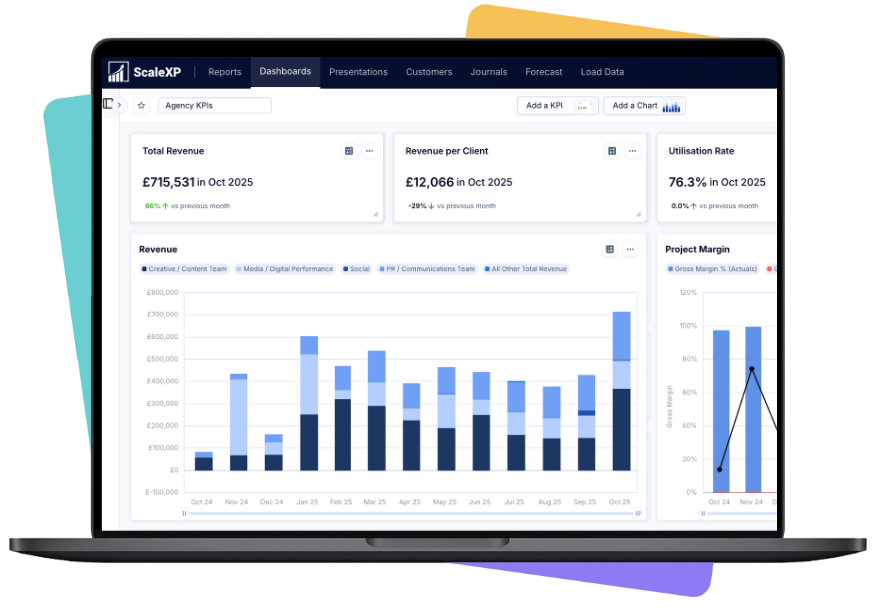
A customer is invoiced in Stripe. ScaleXP imports that invoice into Xero or ScaleXP, applies revenue recognition automatically, and updates reporting across revenue growth, retention, and churn.
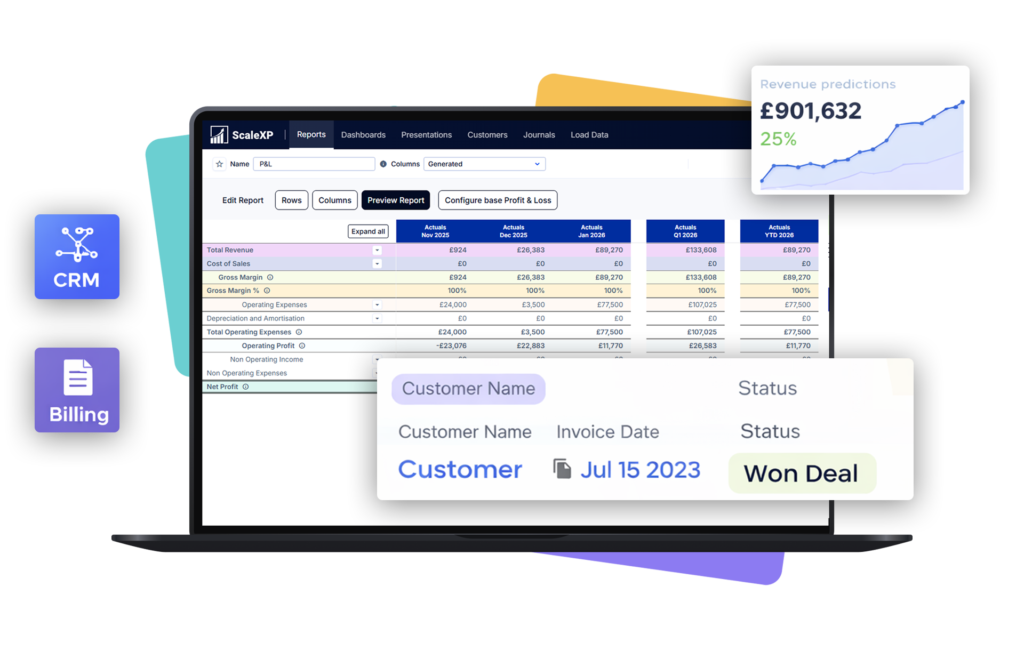
ScaleXP imports Stripe invoice data into Xero or directly into ScaleXP, preserves useful product and metadata fields, and connects billing data to revenue recognition and SaaS reporting. It goes beyond moving transactions: finance can use the same Stripe data for schedules, journals, ARR, MRR, retention and churn analysis.
Yes. ScaleXP can import Stripe invoices into Xero automatically, with product mapping and selected Stripe metadata. Businesses can choose the accounting and reporting workflow that fits their process rather than manually recreating Stripe invoices in Xero.
Yes. ScaleXP can import Stripe history back to 1 January 2018 into Xero and ScaleXP. Historical invoice and product data can then support comparative reporting, revenue schedules and SaaS metrics without rebuilding prior periods manually.
Yes. ScaleXP uses Stripe invoice dates, line items, service periods and mapped metadata to create revenue-recognition schedules under IFRS 15, ASC 606, FRS 102 and US GAAP. Journals require explicit user approval and are posted to Xero as draft journals, which you then approve in Xero.
Stripe invoices are picked up when they are finalized in Stripe, so invoices, schedules and reporting stay current during billing review and month-end close.
ScaleXP supports multicurrency Stripe and Xero workflows without requiring manual exchange-rate spreadsheets. It tracks separate compliant rate sets for the P&L, balance sheet, budgets, and invoice consolidation and KPIs, supporting group reporting across entities, countries and currencies.
Yes. Stripe metadata and product information can be mapped into Xero and ScaleXP reporting. This allows finance to analyze invoices and recurring revenue by product, customer, plan, region or another useful billing attribute instead of relying only on Stripe’s standard invoice fields.
Not necessarily. Stripe Revenue Recognition produces revenue recognition reports from your Stripe data, which you then export to your accounting system. With ScaleXP, Stripe invoices sync to Xero as they are finalized, ScaleXP builds the revenue schedules from their line items and service periods and posts the revenue journals to Xero. Choose based on where you want revenue recognized: in reports from Stripe, or as journals in Xero.
A basic sync transfers transactions. ScaleXP also supports historical import, metadata and product mapping, finance-approved revenue schedules and journals, multicurrency reporting, SaaS metrics and drill-down reporting. It is designed for finance teams that need accounting control and analysis as well as data movement.
Last reviewed: October 2026
““challenging requirements ... tremendous help in making this happen”
Stripe and Xero
We'll show how Stripe billing data becomes invoices in Xero, without the spreadsheet in between.
In a 30-minute demo, we’ll show the relevant workflows using example data and discuss how they could apply to your finance process. Complex requirements? Discuss them with us first.